

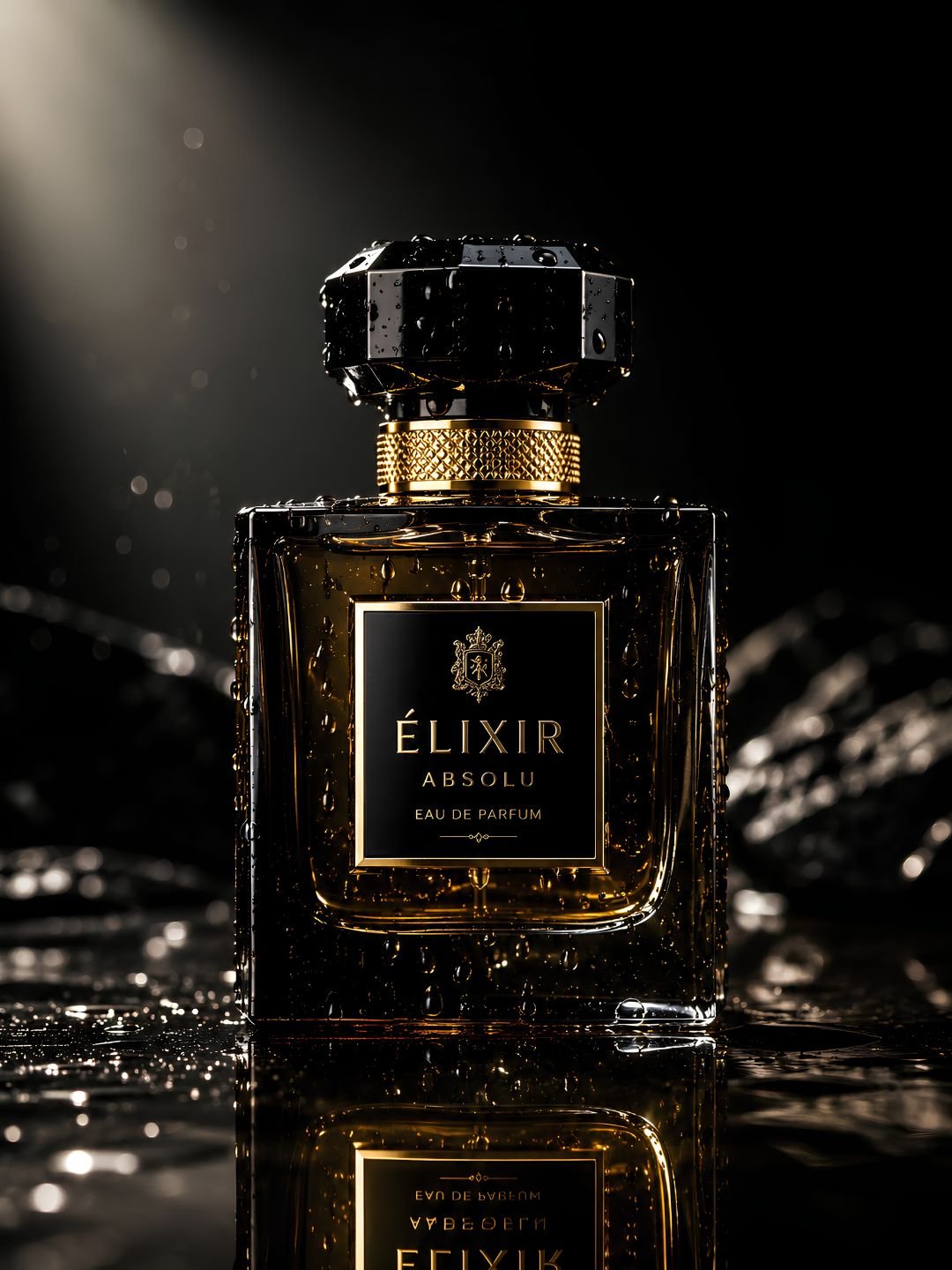
This product photography prompt creates a clean, professional studio shot with soft even lighting and a distraction-free background — the kind of image online stores and ads need. It works for almost any object: bottles, gadgets, cosmetics, packaging. Paste it into Gemini or ChatGPT, name your product, and you get a commercial-grade result on the first try.
The prompt
A professional product photograph of a single product centered on a clean seamless background, soft even studio lighting from two sides, subtle reflection beneath the product, sharp focus, fine detail on textures and labels, minimal shadows, commercial advertising style, high resolution, photorealistic.
What this prompt does
Product shots sell when the object is clean, sharp, and undistracted. Each phrase here is built for that.
- Clean seamless background removes everything that competes with the product. A plain sweep is what makes an image look catalogue-ready rather than snapshot.
- Soft even studio lighting from two sides wraps the product without harsh shadows or blown highlights, so every surface reads clearly.
- Subtle reflection beneath grounds the product on the surface instead of leaving it floating, a small detail that instantly looks more professional.
- Fine detail on textures and labels keeps branding and material sharp, which matters most when the shot is used for an actual listing.
Best settings
| Aspect ratio | 1:1 for listings, 4:5 for Instagram, 16:9 for banners |
| Gemini | Works as-is. Upload your real product photo and add “keep the product exactly, change only the background and lighting”. |
| ChatGPT | Name the product and material clearly, e.g. “a matte black skincare bottle”. |
| Midjourney | Add –ar 1:1 –style raw for a crisp commercial look. |
3 variations
Lifestyle version
Replace “clean seamless background” with “on a marble kitchen counter with soft morning light and a blurred background”. This trades the studio look for a warm in-use setting, which performs well on social feeds.
Dark luxury version
Change the background to “dark charcoal backdrop with a single dramatic spotlight” and add “premium luxury feel”. Best for high-end products like watches, perfume, or electronics.
Floating splash version
Add “product floating with a dynamic water splash around it, frozen motion”. Eye-catching for drinks and cosmetics, though it takes a few generations to get the splash looking clean.
Common mistakes
- Busy background. Any clutter behind the product pulls the eye away. For listings, keep it plain — decoration belongs in lifestyle shots only.
- Harsh single light. One hard light creates deep shadows and blown highlights. Two soft sources keep the product evenly lit.
- Vague product description. “A bottle” gives a generic result. Name the shape, colour, and material so the model renders your actual product.
- Fake-looking labels. AI often invents garbled text on packaging. Upload your real product so the label stays correct, or plan to add it afterwards.
Frequently asked questions
Does this product photography prompt work in Gemini?
Yes. Paste it into Gemini and upload your real product photo, then add “keep the product exactly, change only the background and lighting” for an accurate result.
Can I use these images on Amazon or my store?
For your own product, yes — as long as the image accurately represents what you sell. Marketplaces penalise misleading photos, so use a shot of your real product rather than a generated look-alike.
Why does the label text look wrong?
AI models struggle to render real text and often garble it. Upload your actual product image, or generate the scene clean and add your correct label in an editor afterwards.
What background is best for online listings?
Pure white or a very light neutral. Most marketplaces prefer it, it keeps focus on the product, and it matches the look shoppers expect from professional stores.
More prompts like this
Selling on a channel? The YouTube thumbnail prompt pairs well for review videos. For a branded look, the minimalist logo design prompt covers your store identity. See more in our prompt guides.
Browse all image prompts.